
How to Choose a Reliable TV Repair Service Near You
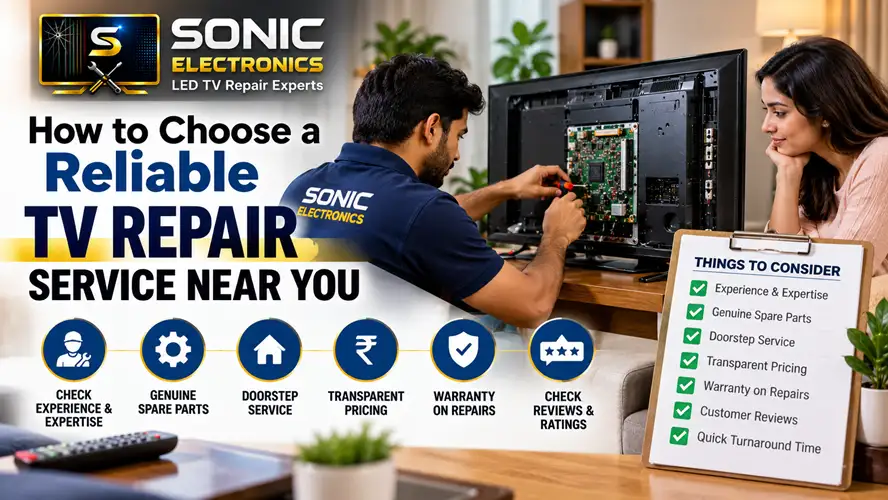
It always happens at the worst moment. You’re ten minutes into the big match, or halfway through the season finale, and the screen flickers, goes dark, or fills with strange lines. Maybe the TV just clicks and refuses to turn on at all. Your first instinct is panic. Your second is to type “TV repair near me” into your phone and pick whoever shows up first.
I’d gently suggest slowing down at that second step. A good repair technician can save you hundreds of dollars and years of viewing. A bad one can take your money, return the set in worse shape, or tell you it’s “beyond repair” so you’ll buy a new one from their cousin’s shop. Here’s how to tell the difference.
First, Figure Out Whether Repair Even Makes Sense
Before you call anyone, take a few minutes to check the basics. Is the power cable firmly plugged in? Does the remote have working batteries? Try a different wall socket, unplug the TV for a full minute, then plug it back in. Many “dead” TVs come back to life after a simple power reset.
Also think about the age and value of your set. A useful rule of thumb: if the repair quote is more than half the price of a comparable new TV, replacement is usually the smarter move. A cracked screen on a large, modern panel is often not worth fixing. A failed power board or a faulty HDMI port on a good TV almost always is.
Look for Real Experience, Not Just a Shiny Website
Anyone can build a website in an afternoon. What you want is evidence that the business has been fixing televisions for a while. Look for shops that have been operating for several years, have a physical address you can verify, and list the brands they work on. A technician who has repaired hundreds of LED, OLED, and smart TVs will diagnose problems far faster than someone learning on your set.
If you can, ask directly: “How often do you work on my brand and model?” An honest technician will give you a straight answer, even if it’s “not very often, you might be better off with the manufacturer’s service center.”
Read Reviews the Smart Way
Online reviews are useful, but only if you read them with a critical eye. Don’t stop at the star rating. Instead:
- Look for detailed reviews that describe the actual problem and how it was solved.
- Pay attention to how the business responds to complaints. Defensive or rude replies are a red flag.
- Be suspicious of a flood of five-star reviews posted in a short window, all using similar wording.
- Check more than one platform, such as Google, local directories, and social media pages.
Word of mouth still beats everything. Ask neighbors, coworkers, or friends who’ve had a TV fixed. A recommendation from someone you trust is worth more than a hundred anonymous reviews.
Ask About Warranty Before You Hand Over the TV
This one question separates professionals from amateurs. A reliable repair service will back its work with a written warranty on both parts and labor, typically somewhere between 30 days and six months. If a shop shrugs and says “if it breaks, bring it back,” with nothing in writing, walk away.
Also ask whether they use original or compatible parts. Neither is automatically bad, but you deserve to know which one you’re paying for.
Insist on a Clear, Upfront Quote
Vague pricing is where many repair horror stories begin. A trustworthy technician will explain what’s wrong in plain language, give you an estimate before starting work, and call you for approval if the cost changes. Be careful with these warning signs:
- A quote given over the phone without ever seeing the TV
- Pressure to decide immediately (“this price is only good today”)
- A large upfront payment before any diagnosis
- Refusing to explain which part has failed
Many shops charge a small diagnostic fee, which is perfectly reasonable, especially if it’s credited toward the repair if you go ahead. Just make sure you know about it in advance.
Check Whether They Offer In-Home Service
Televisions, especially big ones, are heavy and fragile. Hauling a 55-inch screen to a shop risks cracking it in transit. For many common problems, like power supply faults, backlight issues, or software glitches, a technician can fix the set at your home. Ask whether in-home repair is available and whether there’s a call-out charge. For serious panel or motherboard work, shop repair may still be necessary, and a good technician will tell you so honestly.
Pay Attention to How They Communicate
You can learn a lot from your very first phone call or message. Do they answer your questions patiently? Do they ask about the model number, the symptoms, and when the problem started? Or do they rush you off the line? Good technicians are curious about your problem because they want to solve it properly. Clear, respectful communication before the job is a strong sign you’ll be treated well during it.
Know Your Rights and Keep Records
Whichever service you choose, get everything in writing: the estimate, the final bill, the warranty terms, and the date you dropped off or handed over the TV. Take a quick photo of your screen and the TV’s condition beforehand. If you’re still under the manufacturer’s warranty, check first. Using an unauthorized repair shop could void it, and the official service center may fix the problem for free.
A Quick Checklist Before You Decide
- Have you tried basic troubleshooting yourself?
- Is repair cheaper than replacement?
- Does the shop have solid, believable reviews and a verifiable address?
- Do they offer a written warranty on parts and labor?
- Did you receive a clear estimate before any work began?
- Are they upfront about diagnostic fees and in-home service charges?
- Did they communicate clearly and without pressure?
The Bottom Line
Choosing a TV repair service doesn’t have to feel like a gamble. Take an hour to compare two or three options, ask a few pointed questions, and trust your instincts. The right technician will be transparent about costs, honest about what can and can’t be fixed, and willing to stand behind their work. That small bit of homework can bring your screen back to life, and keep your money where it belongs: in your pocket, not in someone else’s cash register.